- Open a web browser of your choice. In the URL field type outlook.office.com.
- Sign in with your new email address netID@emeritus.wccnet.edu
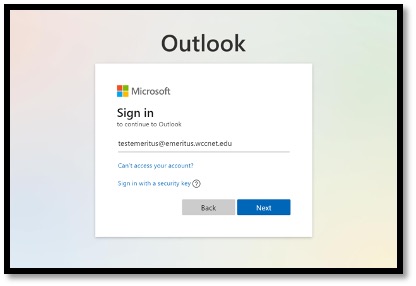
- Click on Next button.
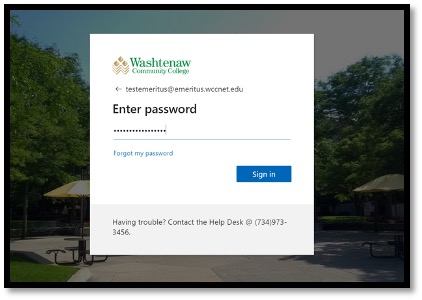
- On the next page enter your temporary password. Then click Sign in button.
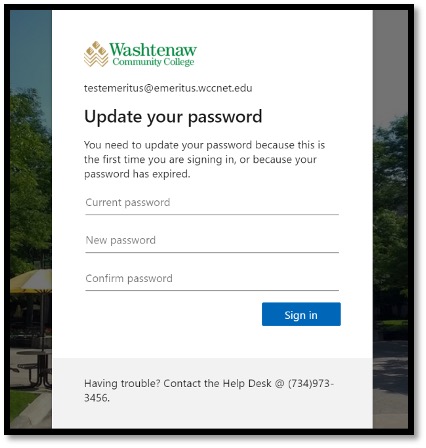
- On the next page change your temporary password to a new password. Then click Sign
in button. Use your new password to access your Emeritus email
This website uses cookies to improve your experience. By using this site, you agree
to our
Privacy Policy.